
Parts used:
- OKGear "Laser Beam" LED mini spotlight Model GC120.
- Lian Li Mini Switch Panel (3 rocker switches).
- spade lugs, crimper, 12 inch molex power cable extension.
I don't like the idea of not being able to turn off the light, fortunately Lian Li makes an inexpensive "mini switch panel" that fits their cases perfectly and looks good too. It consists of three (3) rocker switches. I won't use two of them now but I wired up the LED light to the leftmost rocker switch. I took a spare section of a power supply extension, cut it in the middle, and crimped two spade lugs (provided with the rocker switch panel) onto the wires and then connected them to the mini switch panel. It works great and looks particularly cool with the light on at night. It is amazing how bright one LED can be.
I drilled a small hole in the mounting base of the LED light so I could attach it to the inside of the case with a screw/locknut. The light came with doublesided tape for this purpose but I have never had any long-term luck with adhesive mounts (like those use for cable ties) and in my experience a screwed connection is much to be preferred.
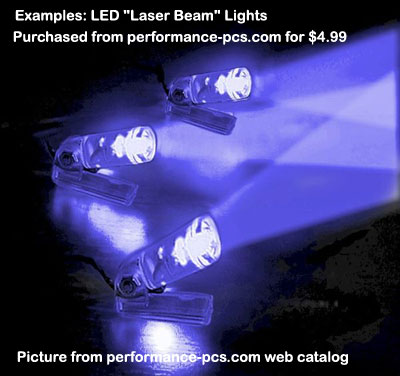
The Laser Beam Mini Spotlight - from Performance-pcs.com
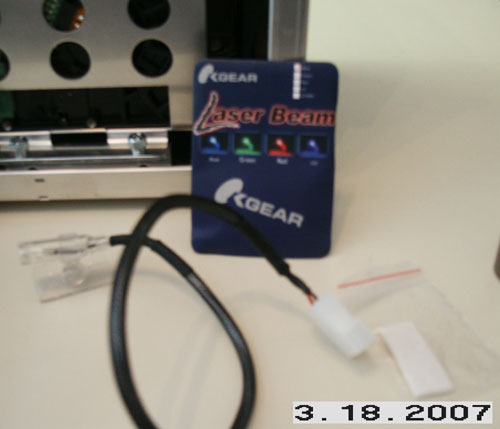
Laser Beam Mini Spotlight package.
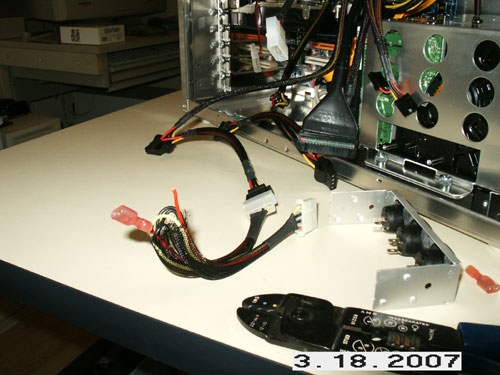
Hooking up the light.
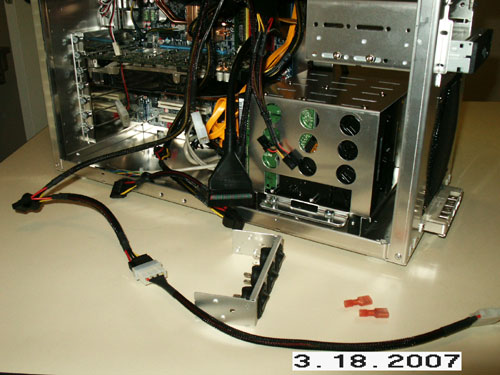
Hooking up the light.
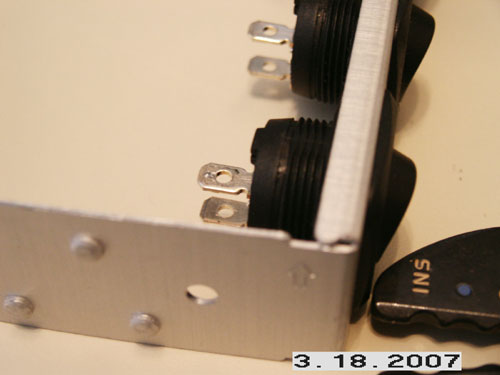
Hooking up the light.
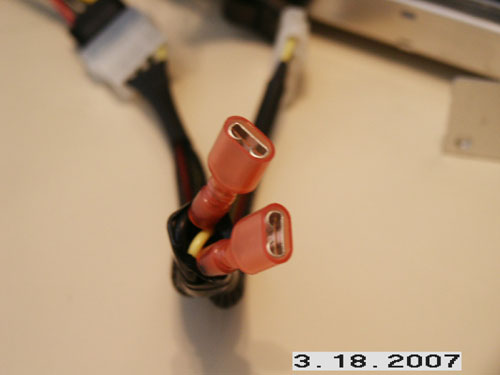
Hooking up the light.