
Parts used:
- Thermaltake Hardcano 12SE Fan Controller
I didn't want to try to control or add monitoring for the CPU as it has its own built-in temperature sensors and this monitoring can be done much better and with no fear of damaging the CPU or motherboard by using software. I use a program called "CoreTemp", one called "SpeedFan " is also nice. The Western Digital hard drives also come with built-in temperature monitoring but I haven't tried to use that yet. The 7200 rpm hard drives are in a cool location of the case and I monitor the case temperature in the vicinity of the drives.
All of the Lian Li case fans come with a third lead that provides the fan rpm signal. Thermaltake's Hardcano 12SE Fan Controller provides four channels of fan control with four associated temperature sensors so it was a perfect fit for what I wanted. The idea is to take a temperature sensor, mount it near the associated case fan, and set a desired temperature. The controller will then adjust the voltage to the fan and will run the fan between 50% and 100% speed to maintain the set temperature. All temperatures can be read from the front panel which also has a cool blue backlit LCD panel.
I selected the four places to mount the four temperature sensors (they go on with tape supplied with the controller) and hooked up the four fans to the controller. The Thermaltake Fan Controller is very easy to install and is a very nicely designed piece of equipment. It is easy to use and looks cool too!
Case Fan and Temperature Sensor Locations:
- Front fan (120 mm): this fan is at the bottom front of the case and draws air across the hard drive cage. The sensor is in the bottom of the case mounted on the back of one of the hard drives.
- Side Fan (120 mm): this fan blows air directly on the graphics card. The sensor is mounted to the edge of the graphics card.
- Back fan (80 mm): this fan is on the top and back of the case. The sensor is mounted on the fan duct at the top of the case and measures the temperature in the upper area in the vicinity of the CPU.
- Top fan (80 mm): this fan is in the top of the case and pulls air across the power supply (which has its own 2 fans, one of which is temperature controlled internally). The sensor is mounted on the back of the power supply.
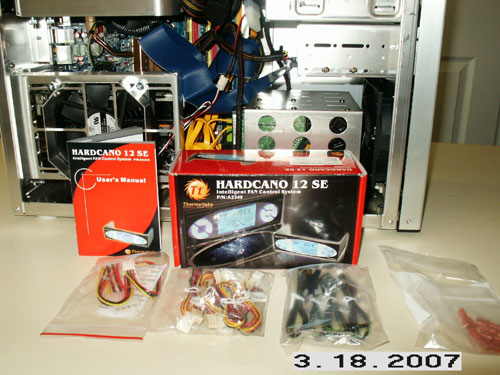
Thermaltake Hardcano 12SE Fan Controller Package.
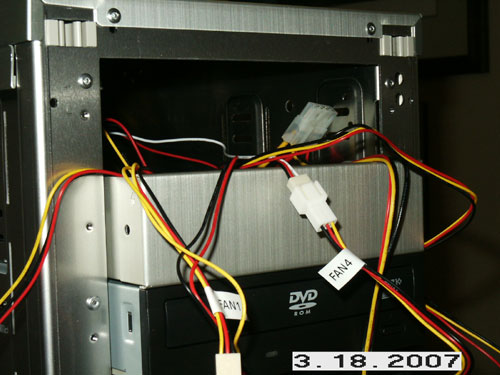
Hooking up the four case fans.
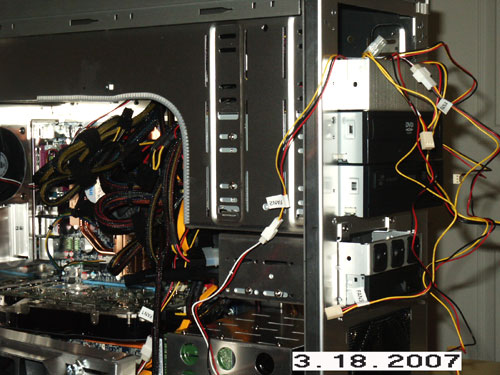
More fan hook ups!
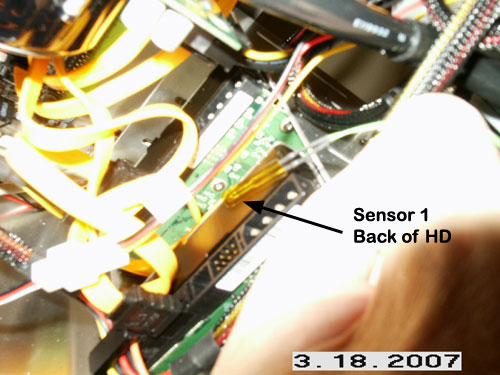
Installing temperature sensor 1.
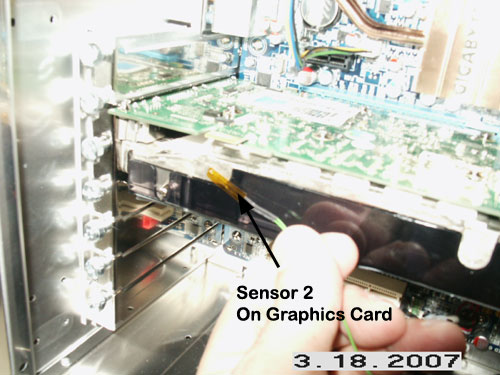
Installing temperature sensor 2
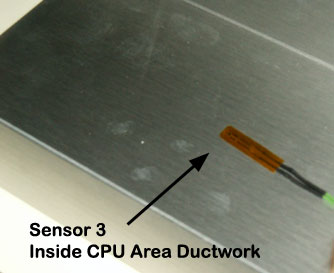
Installing temperature sensor 3
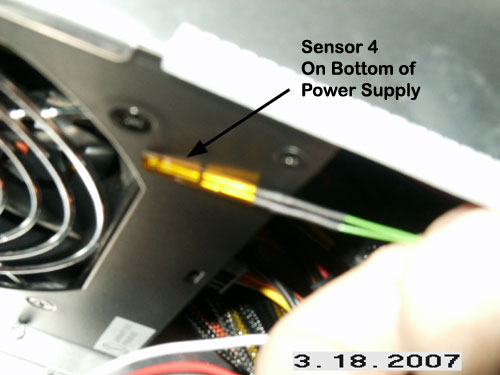
Installing temperature sensor 4
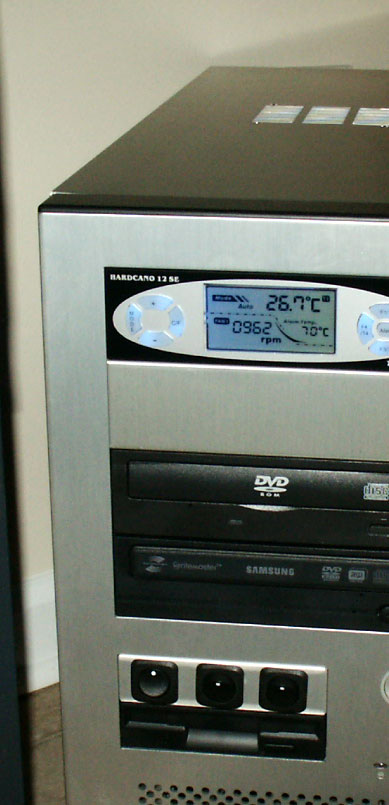
Initial startup - works great. One button switches to Fahrenheit.