
Parts used:
- Intel Core 2 Duo CPU E6600
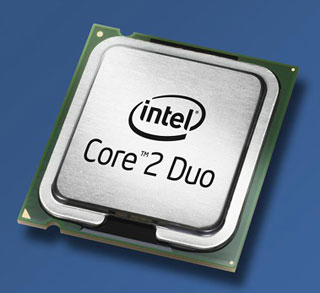
The Intel Core 2 Duo CPU
The box that the CPU comes is surprisingly large considering the CPU itself is about the size of a saltine cracker! Most of the box is for the very large (at least compared to the size of the CPU) cooling fan that forms part of the CPU socket assembly. The tiny CPU must put out a LOT of heat! The CPU comes with factory ininstalled thermal paste to promote even heat distribution and cooling. It spreads out when you install the CPU.
The CPU is a breeze to install. Pop it into its socket and close the clamp/locking lever and you are done. The fan however is a little trickier. It uses 4 large plastic mounting feet that must be inserted simultaneously into matching holes in the motherboard. Since I only have two hands and I didn't want to use my feet, it took some arm wrestling and a few "Mr. C, find a better way to express yourselves" to lock it securely into place. Using plastic to secure anything important is weak. Intel should get Lian Li to design the mounting system for the CPU fan. Anyway, once it was in place, the only electrical hookup was to connect the CPU fan to a clearly labeled matching power connector on the motherboard. Done with the CPU, on to installing the memory.
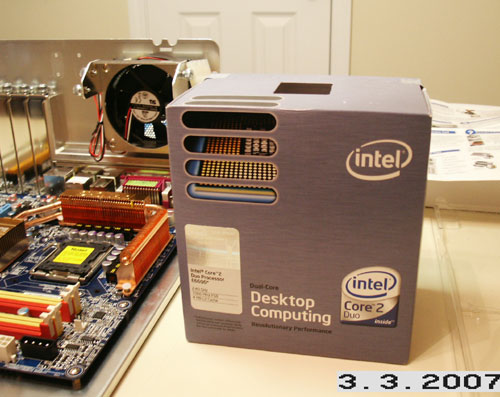
The retail Intel Core 2 Duo E6600 box - what's in there?
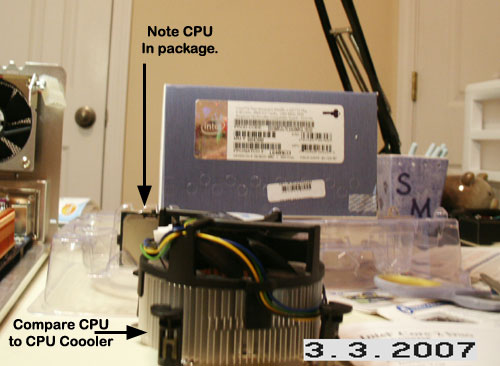
A big CPU cooler fan is in there!
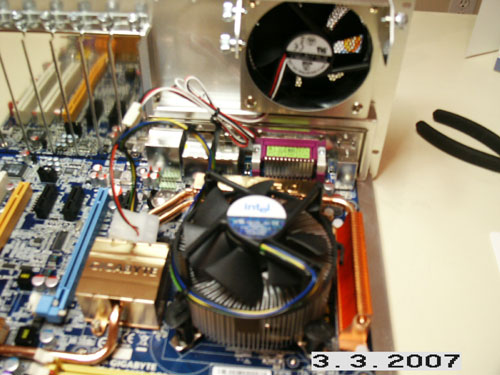
The CPU is installed, it is under the cooling fan.